Reduced Human Error, Enhanced Team Collaboration
Mistakes from manual processes are all too common, but automation solves that. DecisionRules.io’s CI/CD pipelines ensure the correct version of every rule is deployed at the right time, reducing errors and making deployments smooth and reliable.
Beyond error reduction, these pipelines also enhance teamwork. By keeping all environments in sync, DecisionRules enables developers, testers, and operations teams to collaborate more efficiently. Changes made in one space can instantly be reflected across others, leading to a more productive and streamlined workflow.
Compatible with On-Premise Deployments
For businesses relying on on-premise systems, DecisionRules.io delivers powerful automation while aligning with your security and infrastructure needs. It simplifies rule management without sacrificing control or adaptability, making it the ideal solution for organizations prioritizing internal infrastructure.
Seamless Azure DevOps Integration
DecisionRules.io makes setting up CI/CD pipelines with Azure DevOps easy. These pipelines automate everything from rule migration to restore-in-time recovery and deployment across development, staging, and production environments. The integration ensures smooth operations, whether you’re responding to compliance requirements or rolling out updates. To get started, check out our documentation for step-by-step guidance.
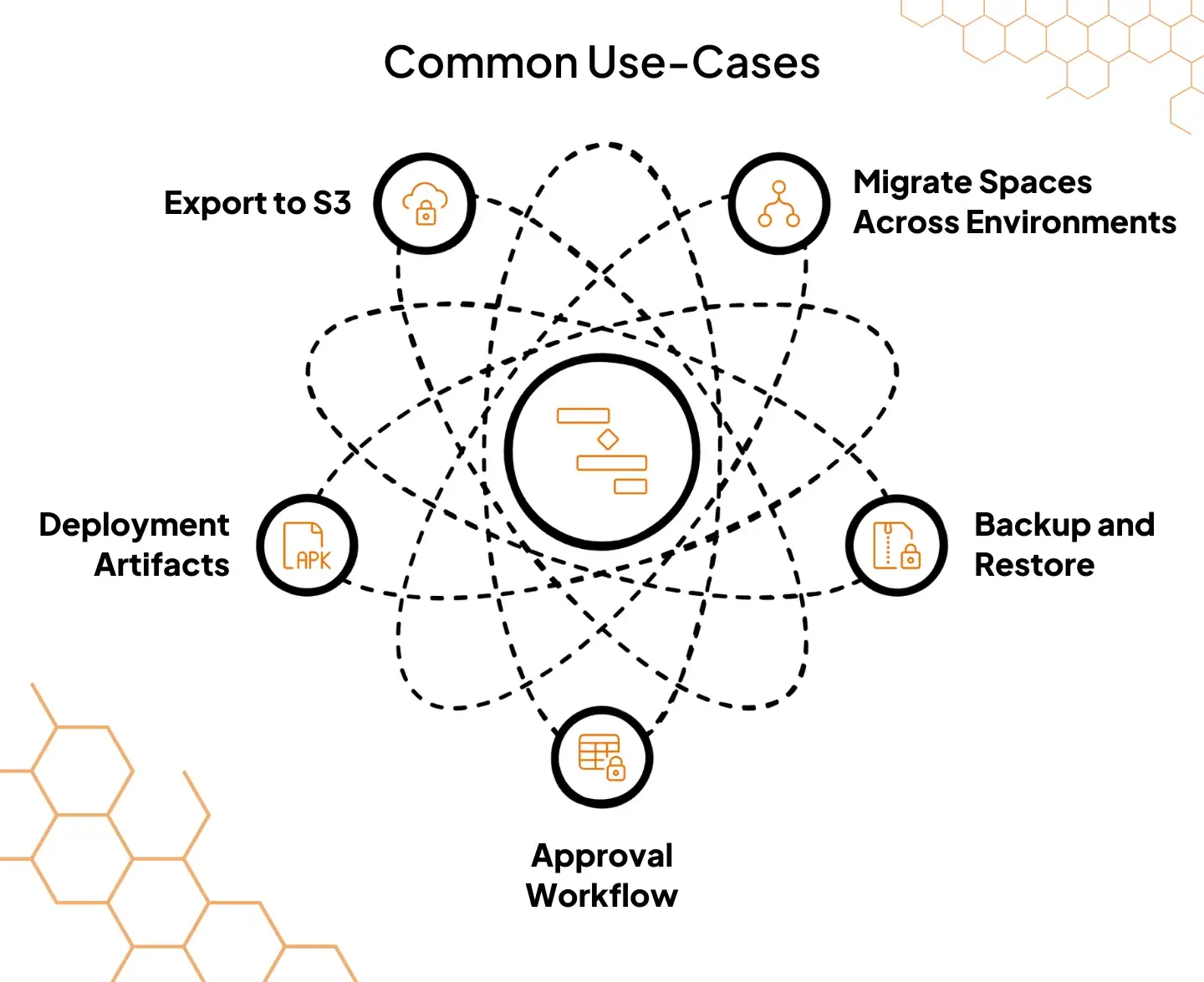
Common Use-Cases
- Migrate Spaces across Environments: Seamlessly move a project from development to production
- Backup and Restore: Save your space to a Git repository and restore it when needed
- Approval Workflow: Set up approvals for deploying projects or spaces
- Deployment Artifacts: Create and store deployment-ready files
- Export to S3: Securely back up your space by exporting it to an S3 bucket
Final Thoughts
By automating processes and enhancing collaboration, DecisionRules.io ensures your business rule management is faster, more reliable, and easier to maintain. Whether you operate in the cloud or on-premise, these tools are designed to keep your business agile and competitive. Start using DecisionRules CI/CD today by visiting the project’s GitHub page.

David Janata
Fullstack Developer
Why use CI/CD pipelines to deploy business rules?
Manual deployments are prone to mistakes. CI/CD pipelines make sure the correct version of every rule is deployed at the right time, and they keep environments in sync, so developers, testers and operations teams can collaborate more efficiently and changes made in one space can be reflected across others.
Can I build DecisionRules CI/CD pipelines in Azure DevOps?
Yes. DecisionRules supports CI/CD pipelines in Azure DevOps that automate rule migration, restore-in-time recovery and deployment across development, staging and production environments. The documentation offers step-by-step guidance, and the CI/CD tools are published on the project's GitHub page.
What can I automate with DecisionRules CI/CD tools?
Typical uses are migrating spaces from development to production, backing up a space to a Git repository and restoring it when needed, requiring approval before projects or spaces are deployed, creating and storing deployment-ready files, and exporting a space to an S3 bucket as a secure backup.
Do DecisionRules CI/CD pipelines work with on-premise installations?
Yes. The CI/CD pipelines are compatible with on-premise deployments, so organizations that rely on their own infrastructure get the same automation while keeping control over security and infrastructure. The tools work whether DecisionRules runs in the cloud or on-premise.