Organizations
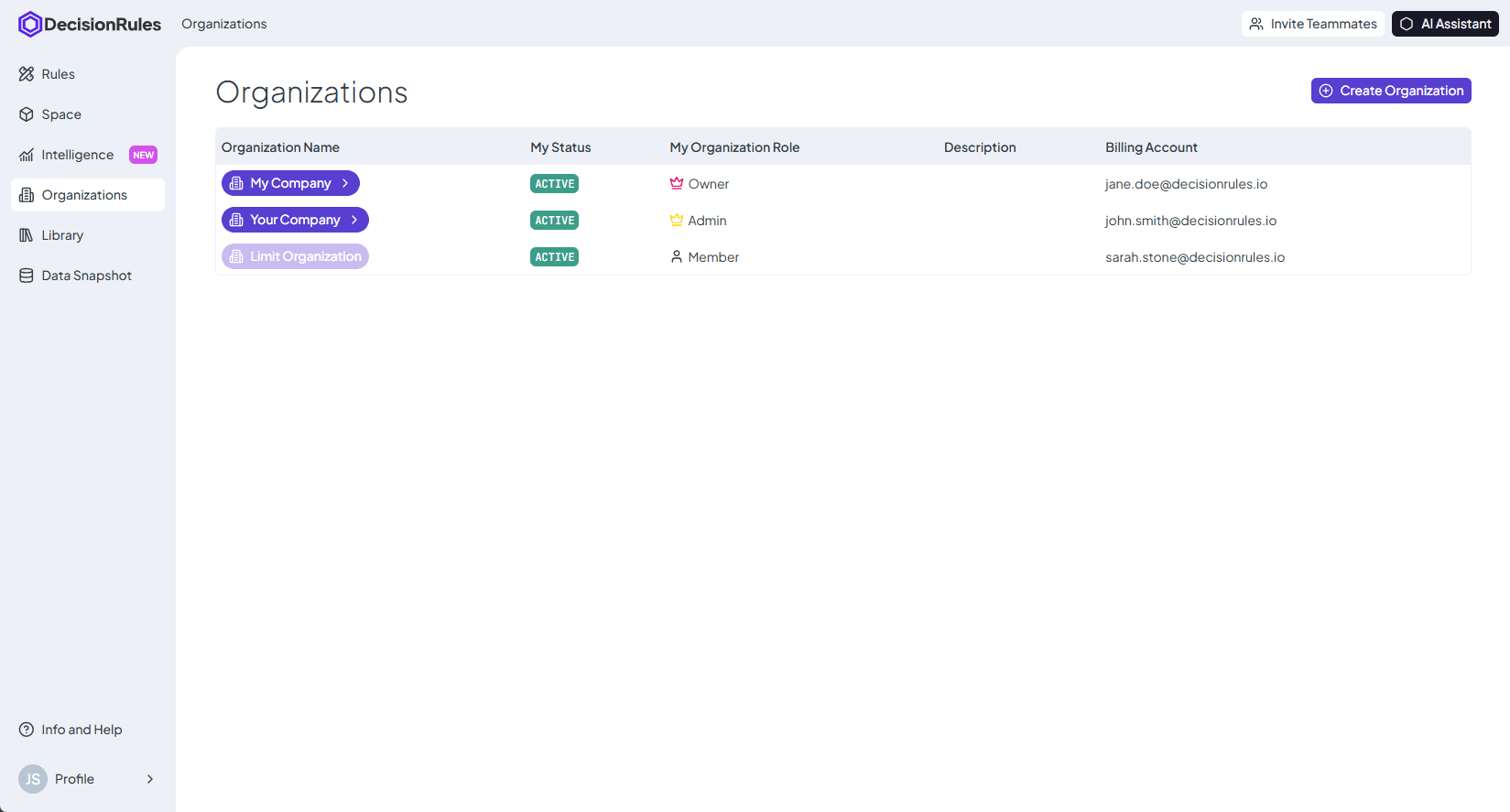
Organizations bring users, teams, authentication, and company-wide settings into one place. As more teams adopt DecisionRules, you can manage your entire environment centrally while allowing individual teams to continue working independently.
Centralize Administration
Manage users, authentication, and company-wide settings from a single administrative hub.
Organize Teams at Scale
Structure your organization using Teams and Departments that reflect your company's hierarchy.
Configure Once, Apply Everywhere
Centralize branding, AI provider configuration, and Single Sign-On to deliver a consistent experience across your entire organization.
Manage your organization from one place
As your company grows, managing each workspace individually becomes increasingly time-consuming. Organizations provide a centralized administration layer that simplifies managing users, authentication, and shared configuration across your entire DecisionRules environment.
- Centralized administration
- Shared company settings
- Consistent governance
Organize teams your way
Structure users into Teams and Departments that match your company's organizational hierarchy. Assign Department Managers to delegate administration while maintaining visibility across the entire organization.
- Teams for project collaboration
- Departments for larger business units
- Department Managers
One login for everyone
Configure Single Sign-On once and allow employees to access DecisionRules using the identity provider they already trust. Organizations support Microsoft, Google, and Okta for a seamless authentication experience.
- Microsoft
- Google
- Okta
Shared company settings
Configure organization-wide settings once instead of repeating them across individual workspaces. Customize your company's branding, define the AI provider used across the organization, and maintain a consistent experience for every team.
- Company branding
- Shared AI Provider
- Organization-wide configuration
Frequently Asked Questions
Still have questions? We have answers.
Getting Started with Organizations
What is an Organization?
An Organization is the highest administration level in DecisionRules. It allows companies to centrally manage users, authentication, shared settings, and multiple workspaces from one place.
When should I start using Organizations?
Organizations are ideal for companies managing multiple teams or workspaces that want centralized administration while allowing individual teams to continue collaborating independently.
Will Organizations change how my teams collaborate?
No. Teams continue working in their existing workspaces. Organizations simply centralize administration and company-wide configuration.
Working with Organizations
What are Teams?
Teams group users working on the same projects or business areas, making administration and user management easier.
What are Departments?
Departments organize multiple Teams into larger business units, helping companies mirror their existing organizational structure inside DecisionRules.
What is a Department Manager?
Department Managers oversee individual Departments and help distribute administrative responsibilities across larger organizations.
Organization Settings
Which identity providers are supported?
Organizations support Single Sign-On through Microsoft, Google, and Okta.
What settings can I manage centrally?
Organizations allow you to centrally configure company branding, AI Provider settings, authentication, organizational structure, and other organization-wide preferences.
Who can manage an Organization?
Organization administrators manage users, Teams, Departments, authentication, shared settings, and the overall organizational structure.
Best Practices
Mirror your real organizational structure
Create Teams and Departments that reflect how your company already operates. Familiar structures simplify onboarding, improve administration, and make it easier to scale as your organization grows.
Centralize shared configuration
Configure branding, authentication, and AI Provider settings at the Organization level to ensure a consistent experience across every workspace while reducing administrative effort.
Try for Free
Experience DecisionRules at no cost. A credit card is not required for the trial.
Start for freeContact Sales
Have questions? Our sales team is here to help you find the best solution for your business.
contact sales